FLAGSHIP CASE STUDY · PRODUCT DESIGN

Rebuilding Lacrosse 26 around the player’s next decision

A controller-first product redesign that turns Quick Play, team selection, match setup, and lineup management into one coherent game experience—without erasing the identity of the sport.

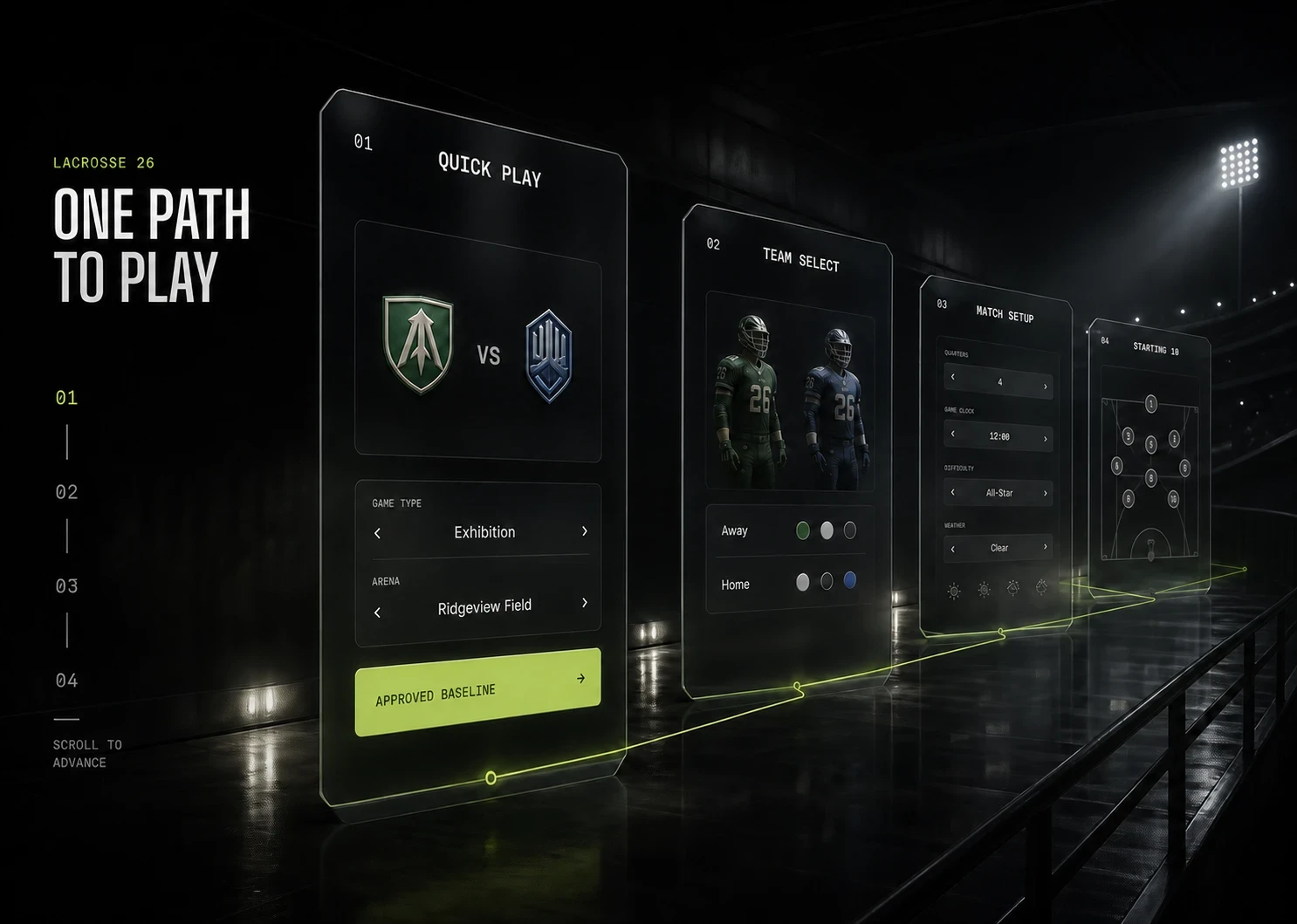
One command architecture carries the player from intent to play.

GAME SHELL V1 · CONTROLLER-FIRSTCore flow
Role · Product designScope · Game Shell v1Input · Controller-firstStatus · A2 handoff-ready
01Quick Play
02Team Select
03Match Setup
04Starting 10
Focus · 01 Quick PlayChoose the matchup without losing environmental context.

Watch the focus land

Four moments from the redesigned Quick Play shell, two of them held against the inherited build. Silent — the captions carry the argument.
01Teams
02Identity
03Lineup
04Match
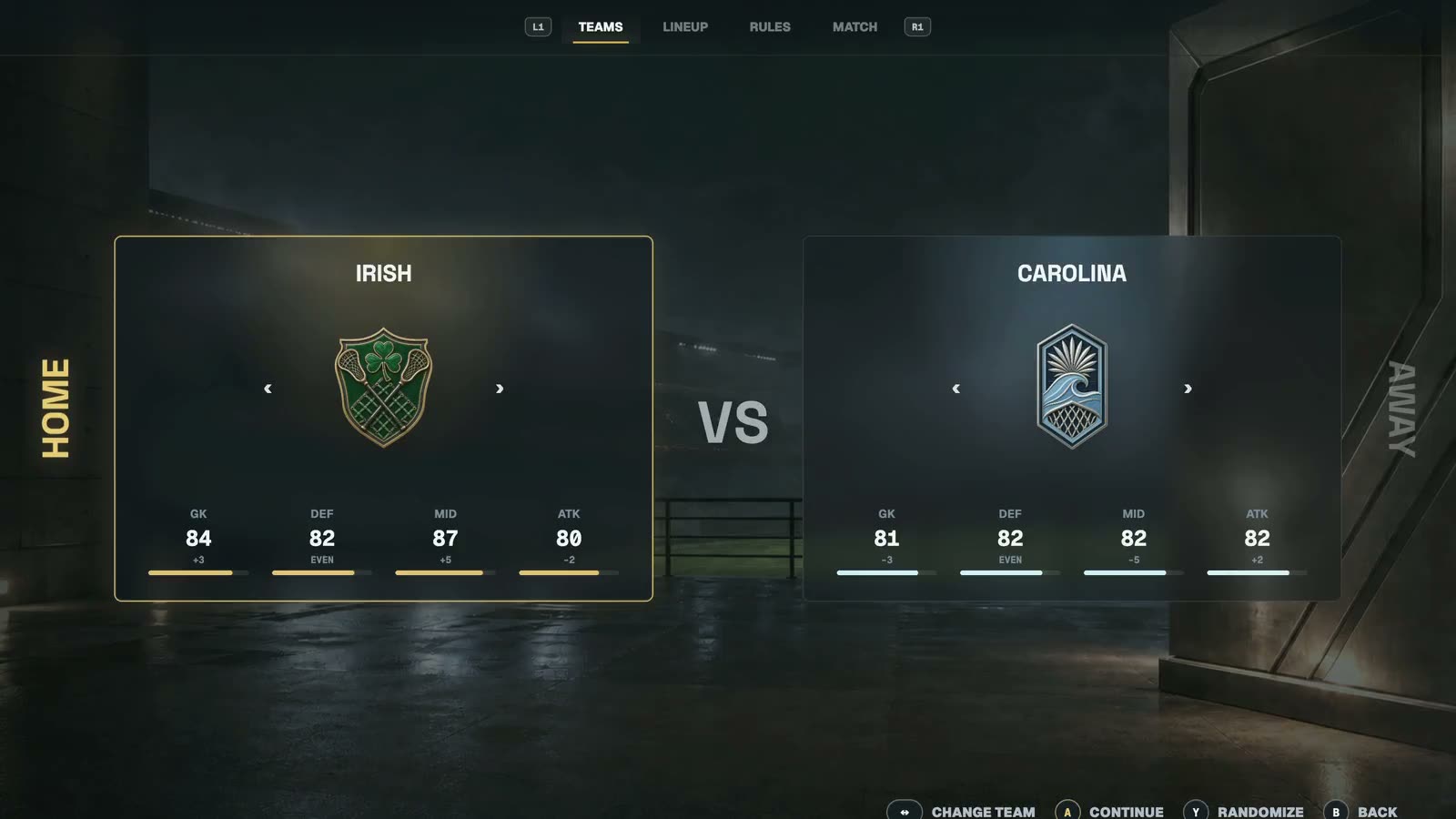
Redesign — Teams
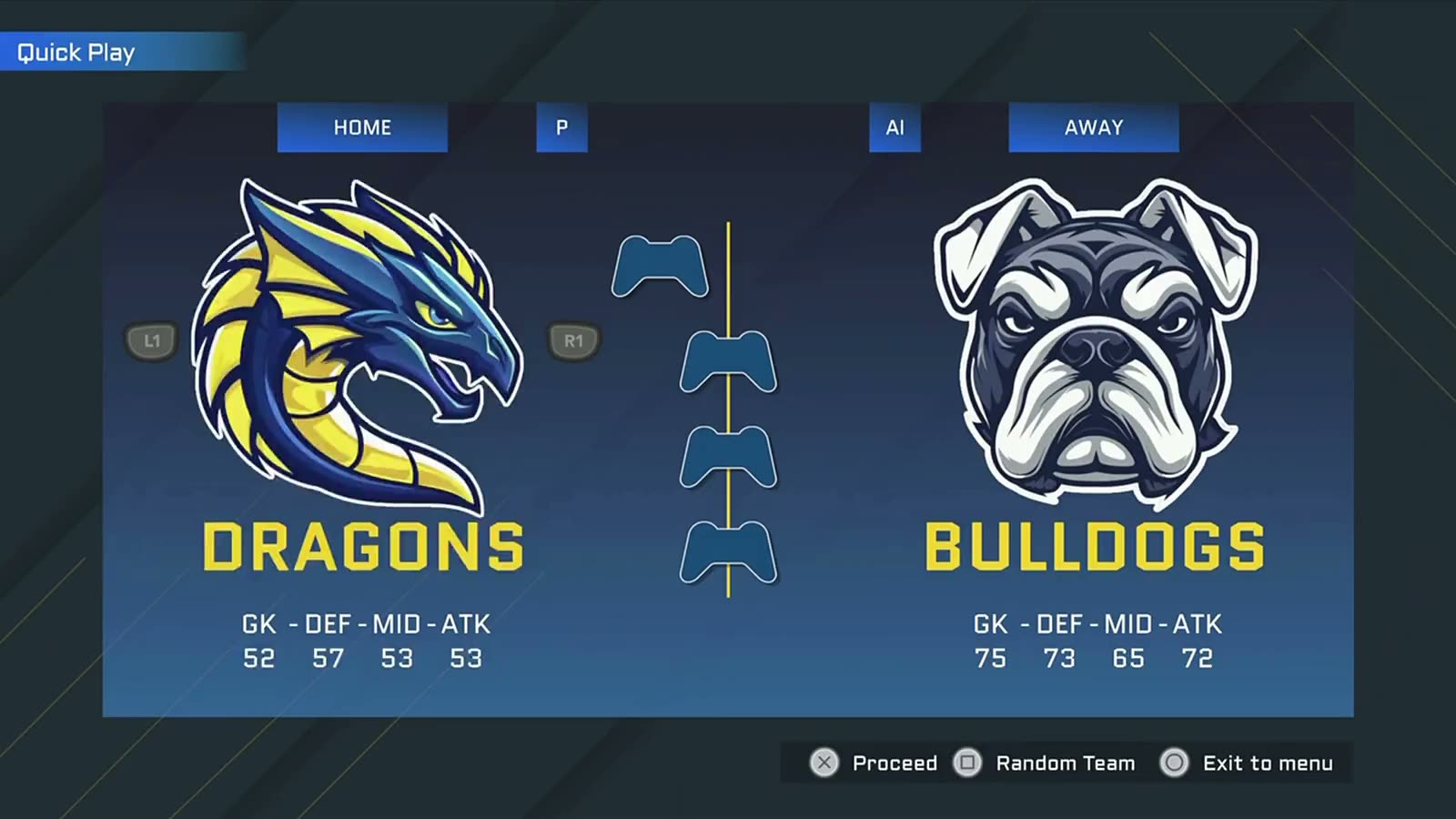
Inherited — Teams
InheritedRedesign

The inherited Team Select had no focus state on either card. The redesign puts focus on the thing you are changing, and it arrives in under 200ms.D-004
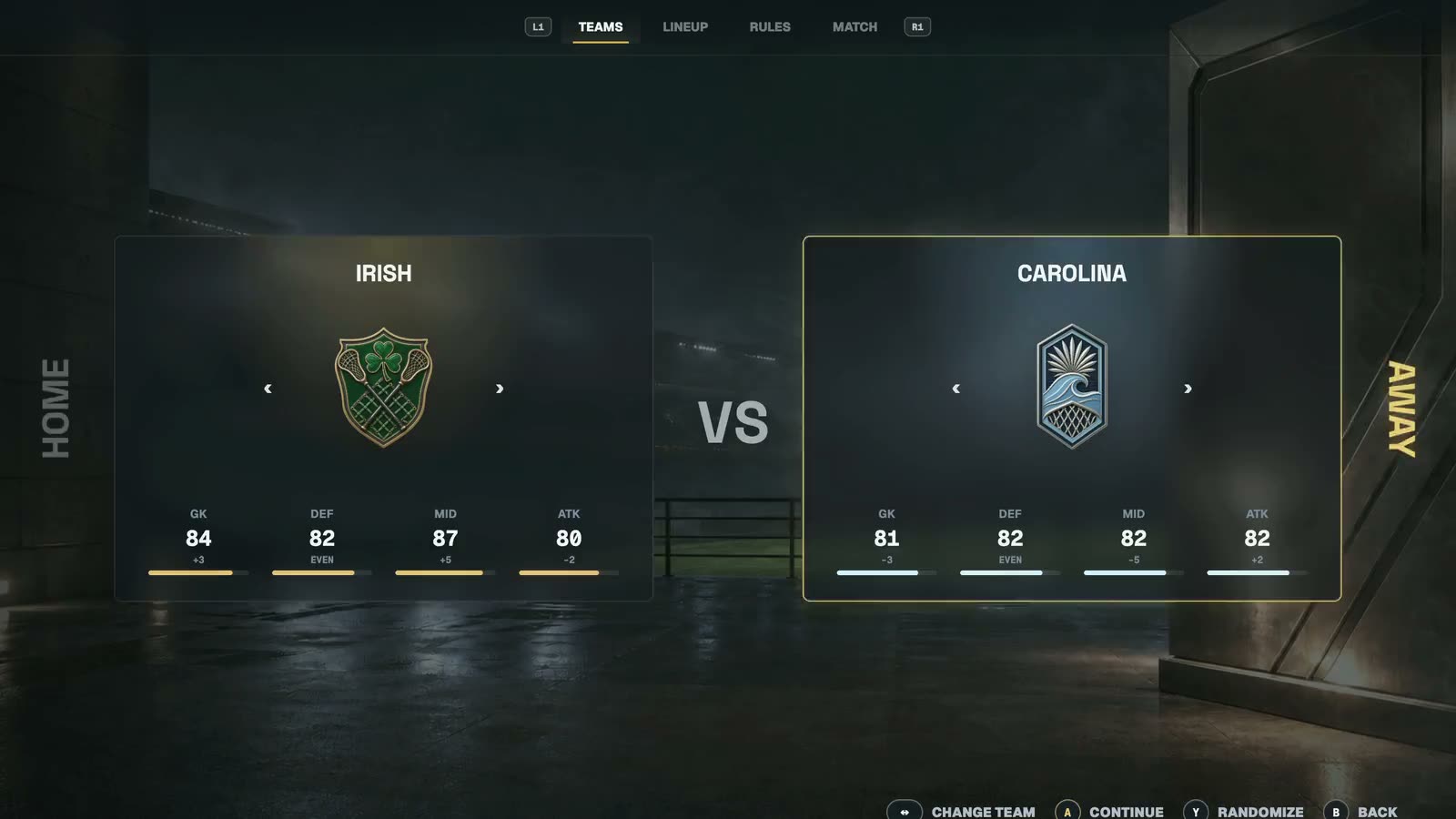
Identity

Four ratings on one scale, readable at a glance, without flattening team identity. Captured on keyboard surrogates; real pad input arrived in D-058.D-010
Redesign — Lineup
Inherited — Lineup
InheritedRedesign

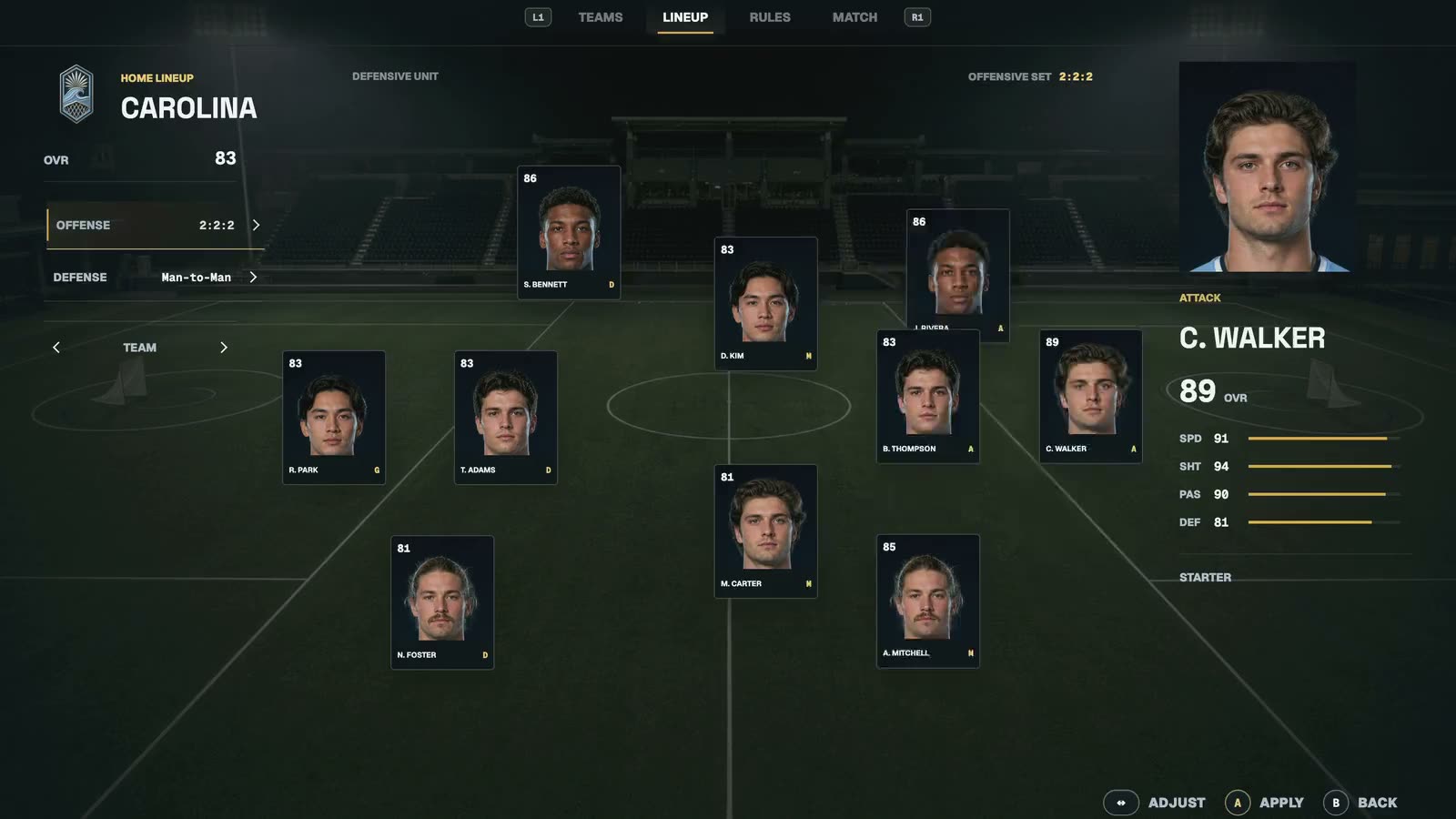
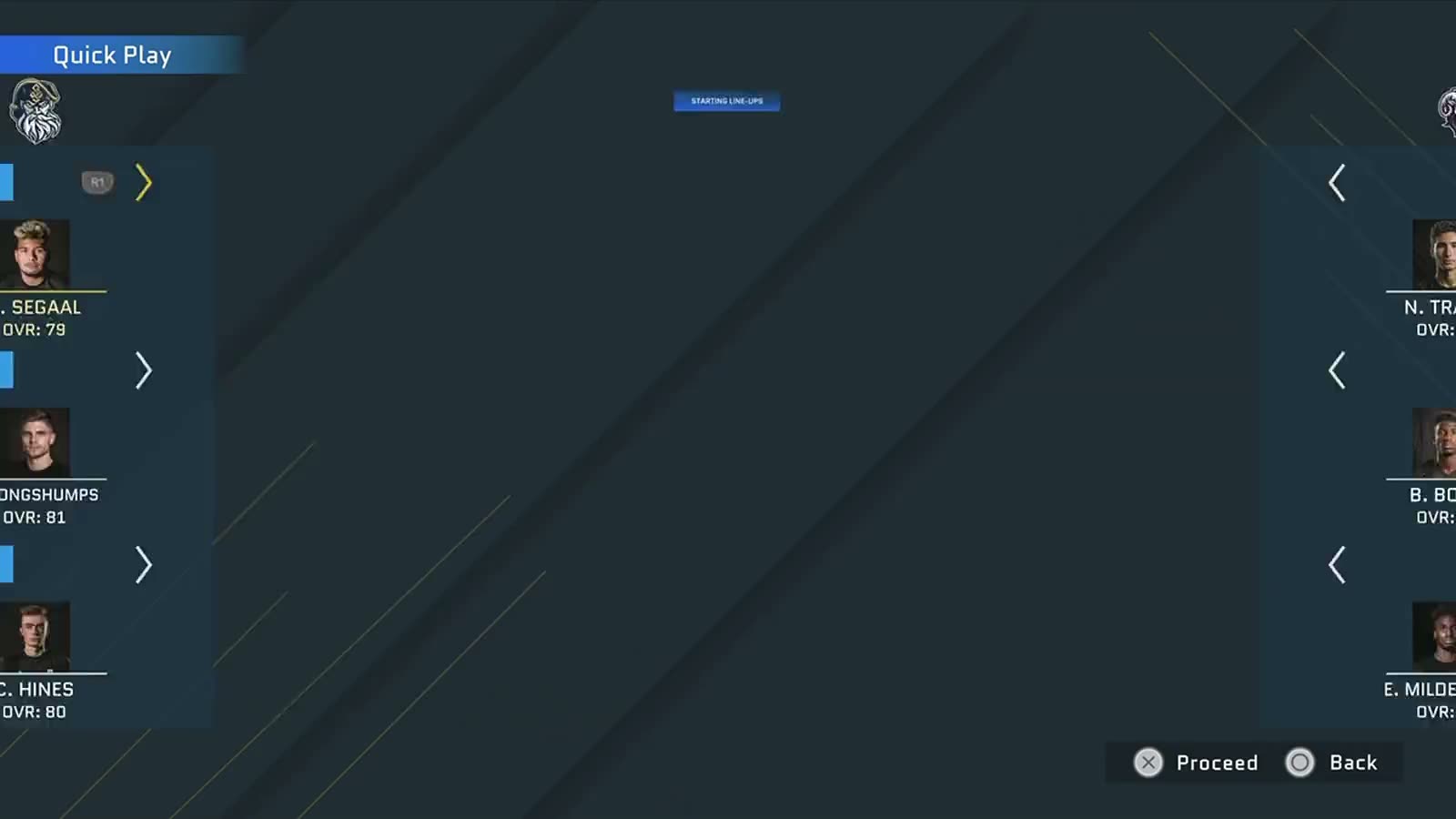
The inherited lineup was a list in three blocks. Field position now carries the role, and focus travels the formation.D-082
Match

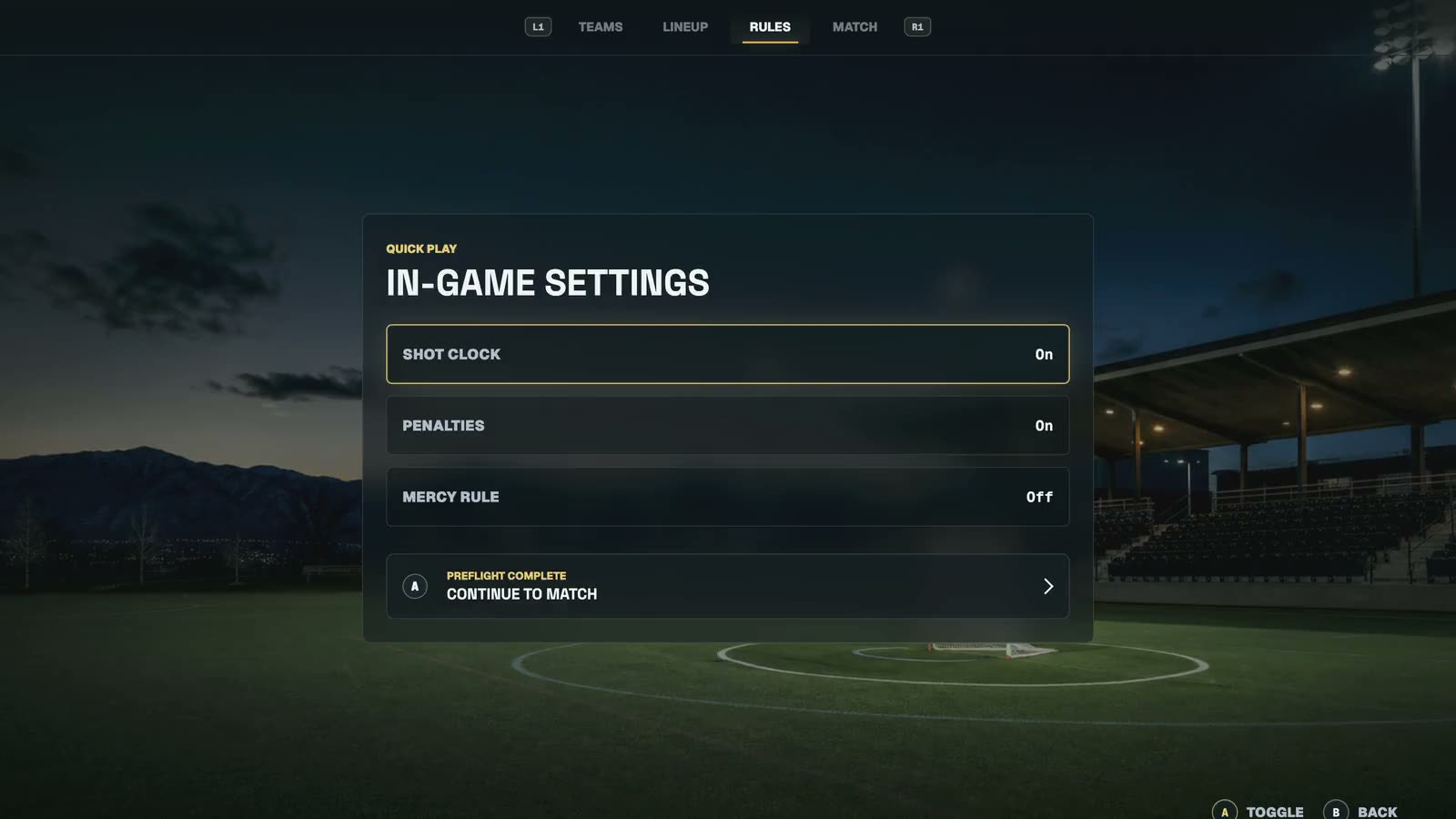
Teams, Lineup, Rules, Match — then the shell hands off and gets out of the way.D-083

Walkthrough description

  1. The inherited Team Select had no focus state on either card. The redesign puts focus on the thing you are changing, and it arrives in under 200ms.
  2. Four ratings on one scale, readable at a glance, without flattening team identity. Captured on keyboard surrogates; real pad input arrived in D-058.
  3. The inherited lineup was a list in three blocks. Field position now carries the role, and focus travels the formation.
  4. Teams, Lineup, Rules, Match — then the shell hands off and gets out of the way.

The original interface made the player translate the system before making a choice.

The current-state audit surfaced competing emphasis, dense game-state information, and weak focus hierarchy across menu and gameplay contexts. These screens are labeled as inherited UI—not presented as redesign work.

Lacrosse 26

Redesigned with the gamer in mind

Inherited Quick Play

The selection path asks players to parse several competing layers before the core matchup decision is clear.

CURRENT STATE · REFERENCE

Inherited Quick Play

The selection path asks players to parse several competing layers before the core matchup decision is clear.

CURRENT STATE · REFERENCE

Inherited Quick Play

The selection path asks players to parse several competing layers before the core matchup decision is clear.

CURRENT STATE · REFERENCE

Inherited Gameplay HUD

Score, possession, clock, and contextual feedback compete for attention during the highest-cognitive-load moments.

CURRENT STATE · REFERENCE

Inherited Gameplay HUD

Score, possession, clock, and contextual feedback compete for attention during the highest-cognitive-load moments.

CURRENT STATE · REFERENCE

Inherited Gameplay HUD

Score, possession, clock, and contextual feedback compete for attention during the highest-cognitive-load moments.

CURRENT STATE · REFERENCE

CURRENT SYSTEM

Game Shell v1

Quick Play v3 aligns player intent, opponent context, and environmental presentation in one readable frame.

LACROSSE 26 · CURRENT SYSTEM

CURRENT SYSTEM

Game Shell v1

Quick Play v3 aligns player intent, opponent context, and environmental presentation in one readable frame.

LACROSSE 26 · CURRENT SYSTEM

Reduce interpretation cost while preserving game identity.

The work combined a current-state audit, sports-product heuristics, controller path mapping, and iterative UI prototyping. The approved Quick Play v3 direction is the baseline; production-level platform validation remains open.

D-061

Quick Play v3 direction approved as the current design baseline.

D-061

Quick Play v3 direction approved as the current design baseline.

V1

Game Shell, Quick Play, Team Select, Match Setup, and Starting 10.

V1

Game Shell, Quick Play, Team Select, Match Setup, and Starting 10.

A2

Handoff-ready interaction baseline; not yet production-validated.

A2

Handoff-ready interaction baseline; not yet production-validated.

One command architecture carries the player from intent to play.

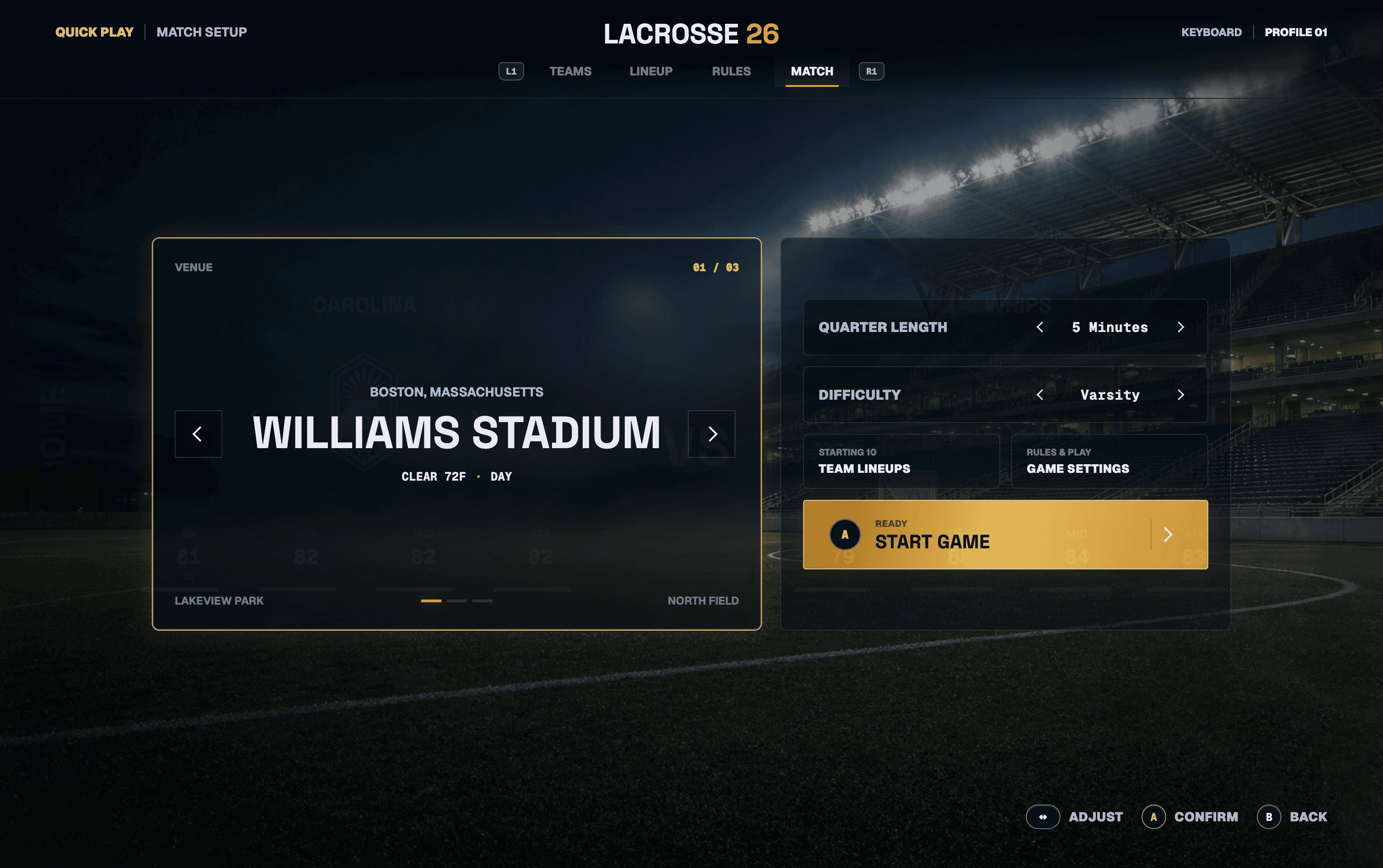
The shell establishes a consistent controller grammar, visible focus, and contextual actions across the core pre-match journey.
Game Shell v1

The command architecture keeps primary actions, matchup state, and environmental framing connected as the player moves through the flow.

QUICK PLAY V3 · APPROVED BASELINE

Game Shell v1

The command architecture keeps primary actions, matchup state, and environmental framing connected as the player moves through the flow.

QUICK PLAY V3 · APPROVED BASELINE

Starting 10 turns roster management into a spatial, controller-readable task.

Focused players remain anchored to the field structure while contextual actions reveal only what is available in the current state. The two team views demonstrate one reusable interaction model across distinct identities.

Irish — Starting 10

Controller focus stays visible while the command dock explains the next available roster action.

SPATIAL LINEUP MANAGEMENT

Irish — Starting 10

Controller focus stays visible while the command dock explains the next available roster action.

SPATIAL LINEUP MANAGEMENT

Irish — Starting 10

Controller focus stays visible while the command dock explains the next available roster action.

SPATIAL LINEUP MANAGEMENT

Carolina — Starting 10

The same system carries across team identity, proving the layout is a reusable product pattern rather than a one-off screen.

SPATIAL LINEUP MANAGEMENT

Carolina — Starting 10

The same system carries across team identity, proving the layout is a reusable product pattern rather than a one-off screen.

SPATIAL LINEUP MANAGEMENT

Carolina — Starting 10

The same system carries across team identity, proving the layout is a reusable product pattern rather than a one-off screen.

SPATIAL LINEUP MANAGEMENT

0